
How To
Step-by-step help for deploying DriveStrike, wiping devices by platform, configuring Android, and recovering lost hardware.
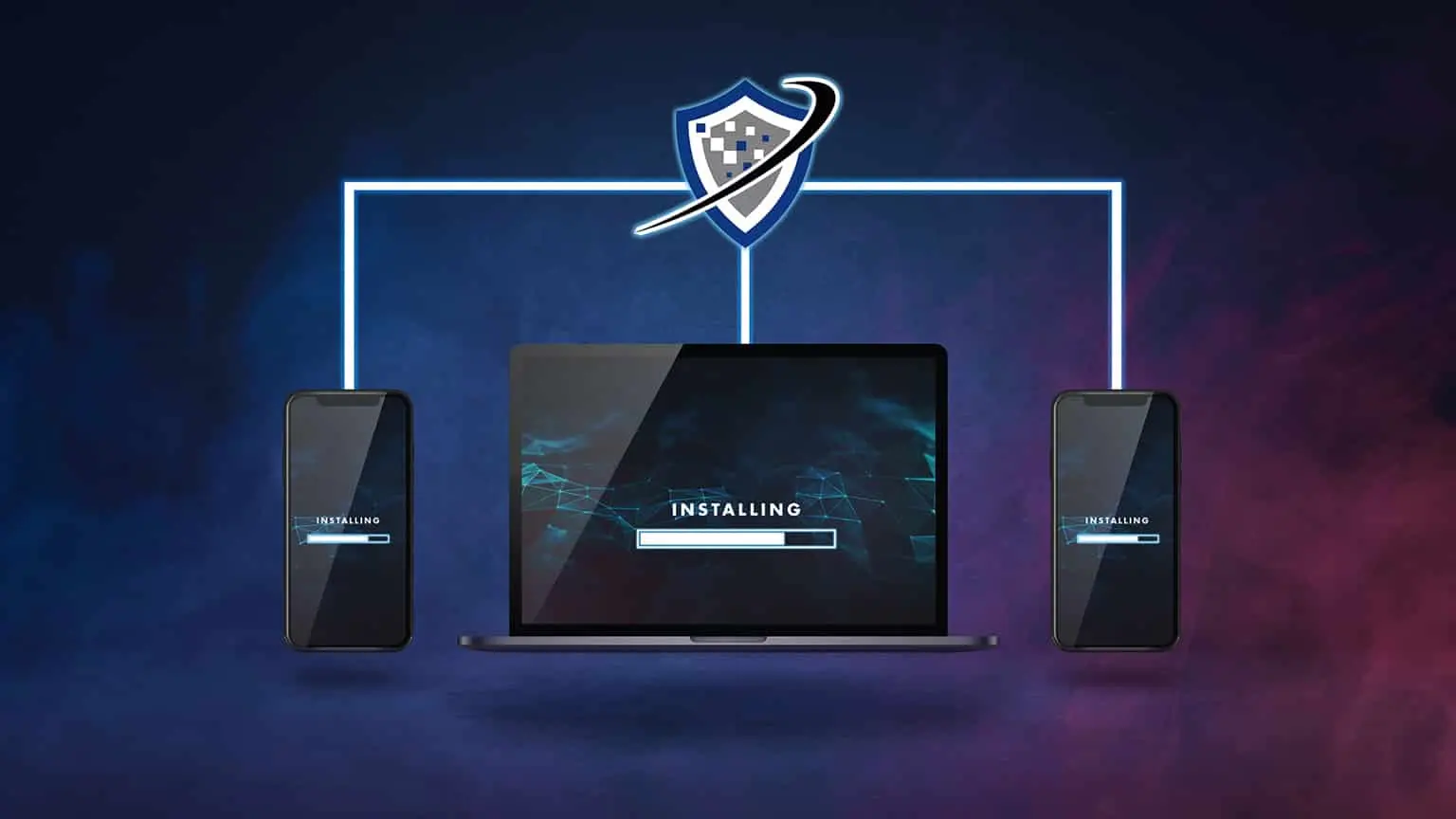
How To Install DriveStrike
Installing DriveStrike is a fast and simple process. Our product team worked hard to make deployment and installation across multiple platforms as easy as possible. If you have any questions or need help implementing DriveStrike, please feel free to contact us. See our Installation Guides for demo videos and instructions for installing DriveStrike on each operating system.
How To Remotely Wipe a Device
Once DriveStrike is installed, initiating a Remote Wipe on any laptop or mobile device you manage is quick and easy: simply log in to your DriveStrike account and click "Wipe" on the device page. If a device is lost or stolen, you can act immediately to protect your confidential data. Contact us if you have any questions, or view our instructions and demo videos for issuing a Remote Wipe on each operating system:




How To Manage Android Device Policies
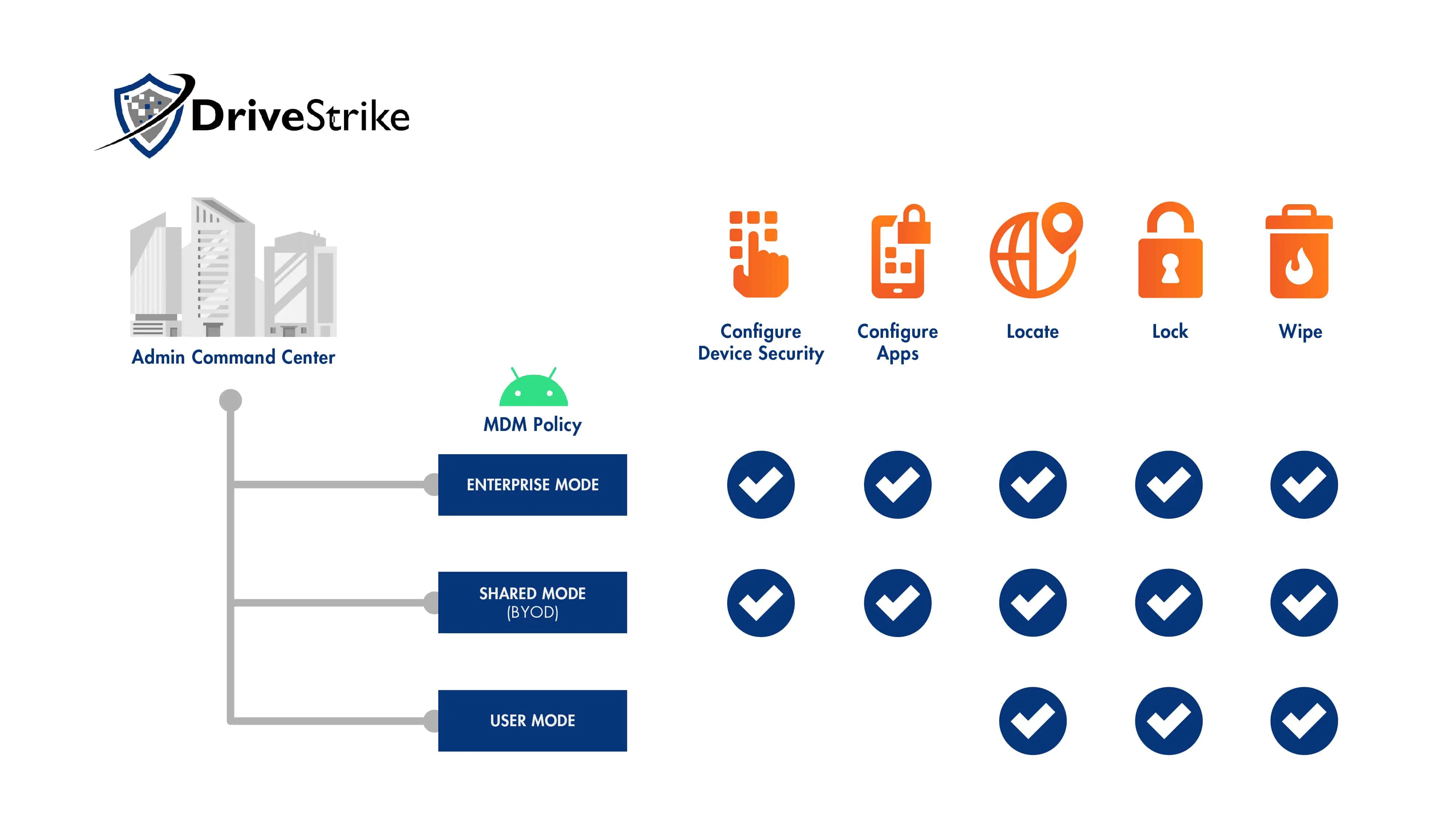
With DriveStrike, Android device managers have additional MDM capabilities beyond the regular Wipe, Lock, and Locate. In the Android Configuration part of the DriveStrike dashboard, administrators can set device policies, configure settings for specific apps, and add security requirements for devices in Enterprise or Shared (BYOD) Management mode. Start a free trial to begin configuring policies for your Android devices.

How To Find a Stolen Laptop
If your stolen laptop has DriveStrike installed, simply log into your DriveStrike account and click "Locate" on the device page. DriveStrike uses the most accurate location data available, and the device page includes a map to show a device's geo-location. Contact us if you have any questions, and read about DriveStrike's Location Feature for more details about device tracking.
Start Your Free 30-Day Trial
Your organization needs simple and wide-reaching solutions to combat daily security challenges. DriveStrike helps you protect your most critical data with premium quality endpoint security.