
Remote wipe
Remote wipe by operating system
DriveStrike can wipe Windows, Mac, iPhone, iPad, Android, and Linux devices from one dashboard.
Pick the system below for the steps that match that device.
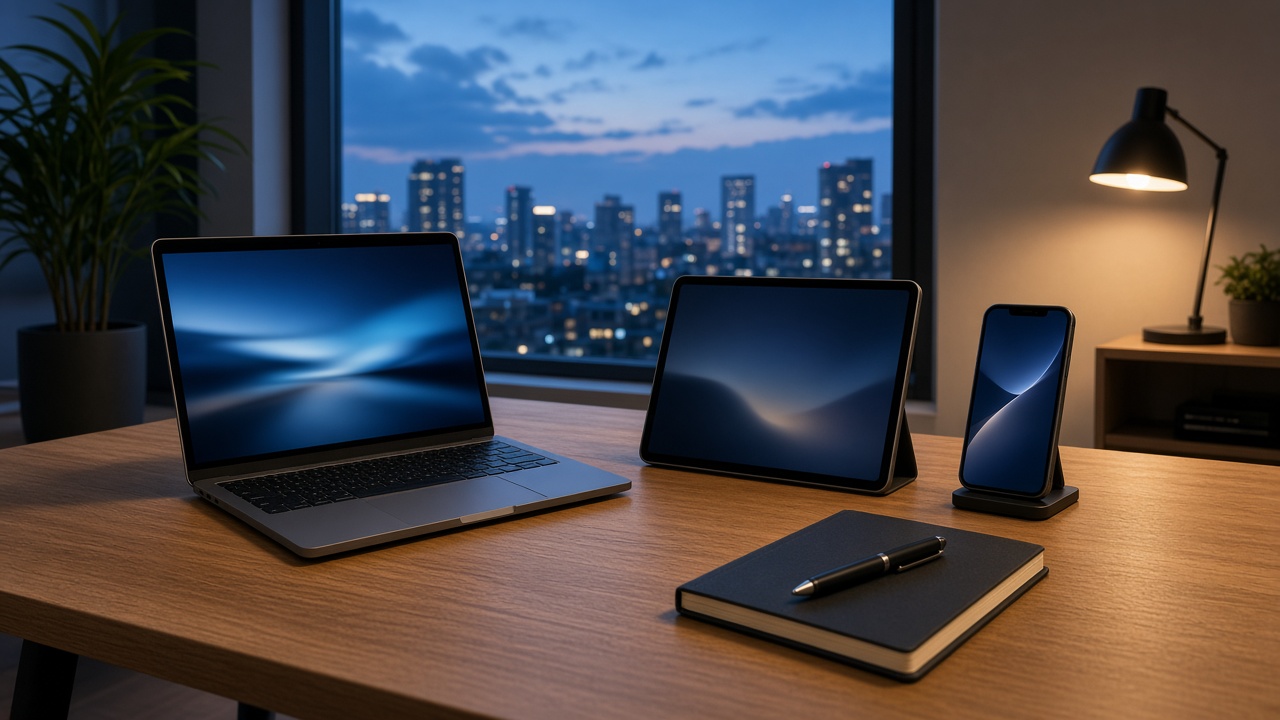
DriveStrike MDM Wipe by OS
Choose the device
- Remote wipe a Windows PC or laptop.
- Remote wipe a Mac.
- Remote wipe an iPhone or iPad.
- Remote wipe an Android phone or tablet. On a work profile, a wipe can be limited to work data. Fully managed devices can wipe the whole device.
- Remote wipe a Linux computer.
Before you send the wipe
If you still need the files, locate the device and lock it first. The lost laptop checklist and the phone wipe guide put those steps in order.
The overview of the command itself is on remote wipe. Android work profiles are explained with Android Enterprise.
Questions
Which operating systems can DriveStrike wipe?
DriveStrike documents remote wipe for Windows, Mac, iPhone and iPad, Android, and Linux.
Does the device wipe if it is offline?
The dashboard can request the wipe while the device is offline. The wipe runs when the device connects to the internet.
What happens after the wipe finishes?
The computer stops reporting location. The dashboard still shows confirmation that the data on that machine was secured.
One wipe command for the systems you already run
Enroll the device first. A wipe cannot reach a computer that does not have DriveStrike.